RollBack Rx Software
A Comprehensive Windows System Restore solution that empowers users and IT administrators to easily restore their PC's to any previous state within seconds
Instant Restore
Restore the system to any snapshot within seconds.
Disaster Recovery
Restore files and folders from any snapshot or crashed system state.
Instant Snapshots
Take a snapshot of the system within seconds (no reboot required)



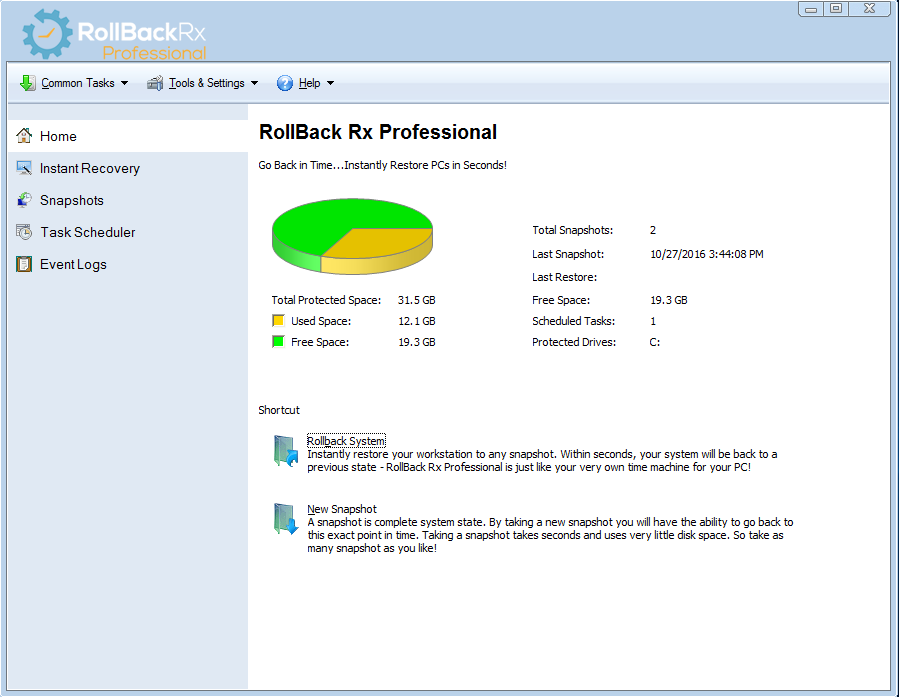
RollBack Rx Professional Overview
-
Key features
RollBack Rx Main Features
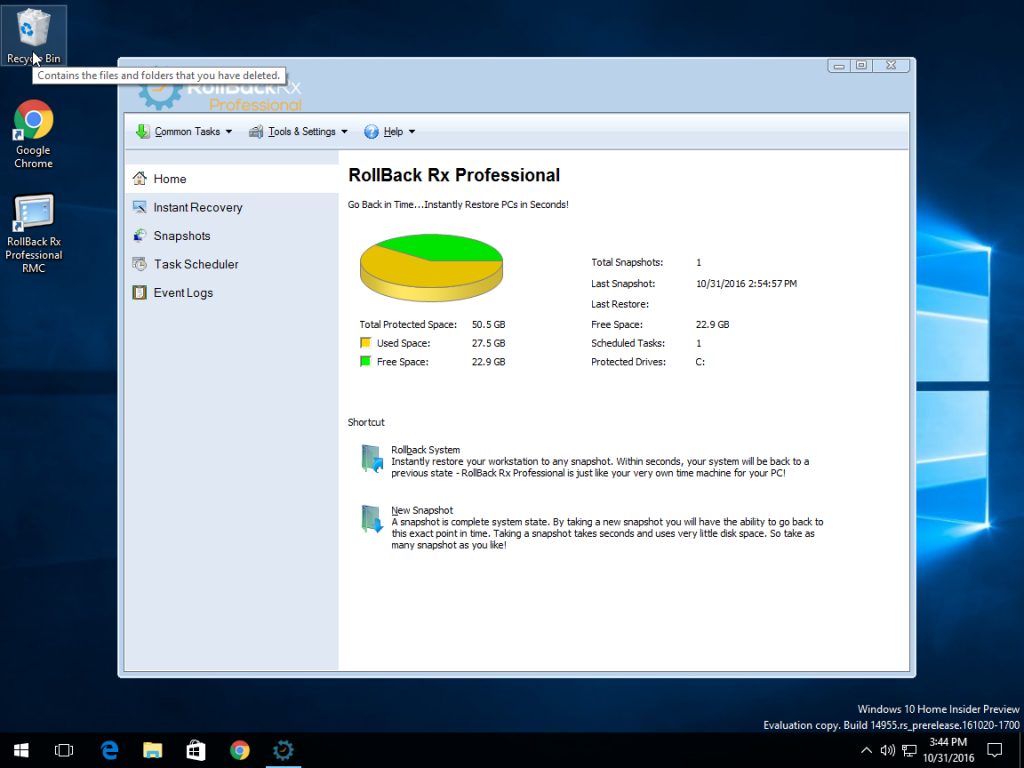
Go back to any previous point in time within seconds.
Go back minutes, hours, days, weeks, or even months to any previous snapshot.
Does not affect computer performance, uses minimal system resources.
Supports unlimited snapshots.
Creates a complete system snapshot without having to restart the system.
Reverse any system crash within seconds (even if Windows cannot startup).
Back out of any failed program and OS updates and botched updates.
Recover from any malware or virus attack within seconds.
Works with VMWare and Virtual Machines, both as a host or within the virtual machine as a client.
Supports Multi-boot, Multi OS workstations.
Lock snapshots to prevent deletion.
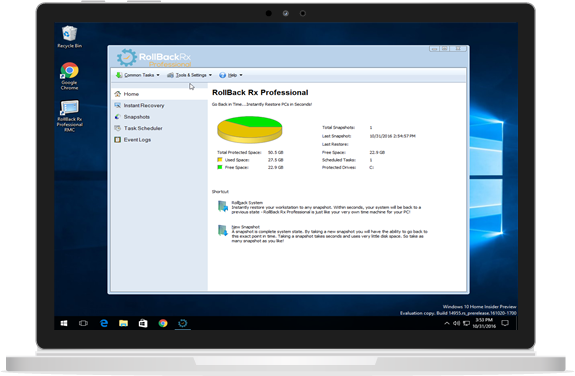
Intuitive GUI based snapshot manager.
Explore, browse and retrieve files and folders from any snapshot. Drag and drop them into your active system.
Roll backwards as well as forwards to any available system snapshot.
Allows users to safely test any software. Fast, 100% complete uninstaller.
Retrieve files from a crashed PC, even if Windows cannot boot.
Access control – manage levels of multiple user and administrative privileges.
Automatically schedule snapshots to be taken on a fixed schedule or upon execution of specific files (ie. setup.exe) as well as manually.
256 bit AES snapshot encryption. ie. Prevent unauthorized data theft in case of stolen laptop.
Group Management and Enterprise Network Administration Control (FREE utility).
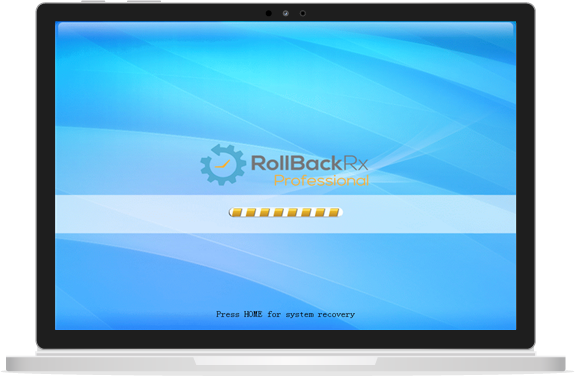
Comes with Stealth Mode where you can hide the RollBack Rx tray icon and splash screen (seen during boot up)
Change the start up hot key for sub-console access (default is HOME).
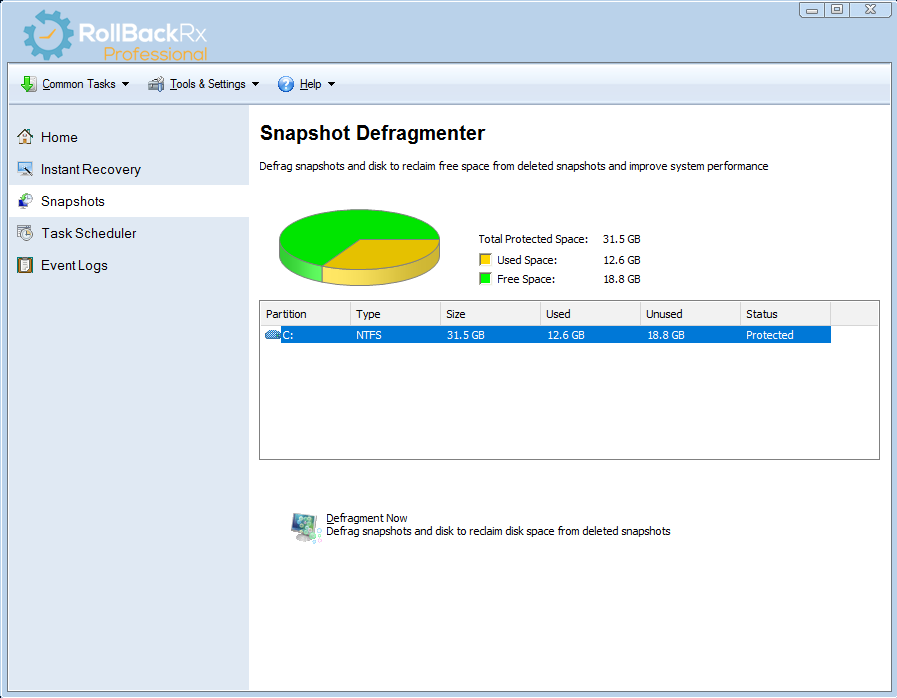
Built in snapshot defragmenter which will optimize system resources and recover free space.
Option to keep files and folders unchanged when you roll-back.
Advanced setup configuration wizard for system administrators which will set deployment options and predefined RollBack Rx settings.
Offers detailed program operation logging.
Supports all industry standard deployment options including silent installations and pre-installation configuration. -
Benefits
RollBack Rx Software Benefits
Complete Windows System Restore Solution
Windows System Restore only restores Windows system files and some program files. In addition, if Windows crashes to a point were Windows itself cannot boot up (ie. BSOD*) you would not be able to access your Windows System Restore points. In contrast, the RollBack Rx technology works at the sector level of the hard drive and restores everything! Right down to the last byte of data. It sits below Windows. So even if Windows crashes, there is a sub-console (mini OS) that boots prior to windows. This allows you to access Rollback Rx and go back to a point in time when your system was working trouble-free.
Daily Continuous Backup Solution
Most backup techniques (i.e. imaging) are static and time-intensive. So arduous is this task, that even disciplined IT shops seldom get around to making regular backups. And if a disaster were to happen, depending on how long ago the backup was taken – directly determines the amount of data loss. In today’s computing environment 98% of PC disasters are micro-disaster (ie. malware, botched Windows updates, software installations etc.) How can you protect yourself from the vast majority of PC disasters?
RollBack Rx is a dynamic instant restore solution. It can be automated to take snapshots silently in the background. Each backup snapshot only takes seconds. And when you want to restore your PC, you can quickly return to any previous state in the amount of time it takes to restart your PC.
Software Uninstaller and Malware Remover
Most uninstaller software, including Windows built-in add/remove programs are piecemeal solutions. When uninstalling an application, there may still be remnants of the program left behind – you are really at the mercy of the software author as to what stays and what actually gets removed. Only Rollback Rx can absolutely restore your workstation bit-for-bit back to any previous snapshot. The problem with anti-virus programs is that by design they are always playing catch-up. Constantly trying to identify and remove known threats and updating their definition files. However, when a virus does strike, you can trust RollBack Rx to absolutely undo the infestation, returning your PC to a state prior to the virus. RollBack Rx is widely used to safely test software. Enabling you to trial software without compromising your system’s integrity. RollBack Rx guarantees 100% bit-level recovery which means a absolute uninstallation of any software or virus.
Day Zero Disaster Recovery
Lets say, you are working on an important document. Then, while checking your inbox you encounter a catastrophic system crash and your PC becomes completely unusable. Unfortunately, the last snapshot was taken over a week ago…. The RollBack Rx technology allows you to go back to your week-old system state without losing any data from your current (crashed) system. How is this possible? The Recover Files feature facilitates the access of any files from your crashed system state, including that important document that you were working on. This feature is a absolute necessity for organizations who demand day zero disaster recovery with no downtime. RollBack Rx enhances productivity, enabling IT administrators to return PC’s to a fully functional state in minutes with no data loss.
Enterprise Level Network Administration
RollBack Rx simplifies enterprise-level network management. Horizon DataSys provides a FREE network management console for all clients of RollBack Rx. The Remote Management Console (RMC) empowers IT administrators to remotely manage, configure and control all RollBack Rx client installations, simplifying the tasks of the network administrator. The RMC enables all client-based functionality remotely over a LAN, WAN or even the Internet. For more information on the RMC click here. -
Videos
Visit Our Youtube Channel
-
Screenshots
More RollBack Rx Software Screenshots
-
-
download
Download Now
Download RollBack Professional Edition
Version: 10.5
Build: 2701680652
Last Updated: 18 October 2016
Requirements: Windows XP, Vista, Windows 7, 8, 10 (all 32 and 64 bit versions)

Download Free Trial
Download Now




RollBack Rx Home
RollBack Rx Home Edition is a free instant time machine for your windows workstation. It is a comprehensive Windows System Restore solution that empowers users and IT administrators to easily restore their PCs to any previous state within seconds. RollBack Rx Home Edition helps users better manage and lockdown Windows based PC.
RollBack Rx Pro
RollBack Rx is an instant time machine for your PC. A Comprehensive Windows System Restore solution that empowers users and IT administrators to easily restore their PCs to any previous state within seconds. RollBack Rx offers a fresh approach to managing PCs. Any unforeseen incidents such as user errors, viruses or even botched software installations can be easily and absolutely reversed in a fast and efficient way..
| Compare Products |  |
 |
 |
|---|---|---|---|
| FREE | PRICING | PRICING | |
| VMWare Support |  |
|
|
| Subconsole Access | |
|
|
| Maximum Snapshots | 7 Snapshots | Unlimited | Unlimited |
| Multiple Drive Support | |
|
|
| Access Control & Data Security | |
|
|
| Task Scheduler | |
|
|
| Remote Management | |
|
|
| Advanced Features | |
|
|
| Server OS Support | |
|
|
| Dynamic Database | |
||
| RAID Support | |
||